If your in love with making grunge sigs, you should checkout this tutorial how to make your text fit!
Step 1
Open a new file and get your text tool, Type the text you want.

Step 2
Add a layer mask too the text layer.
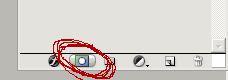
Step 3
Select the erase tool, and then select your favorite grunge brushes
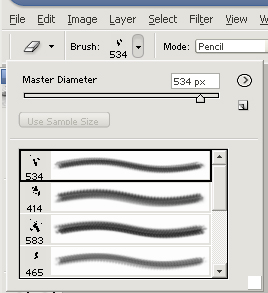
Step 4
Zoom in and erase around the edges of the text, but don't over do it.
Step 5
Finished heres my final product.

I've over done it a little bit.
