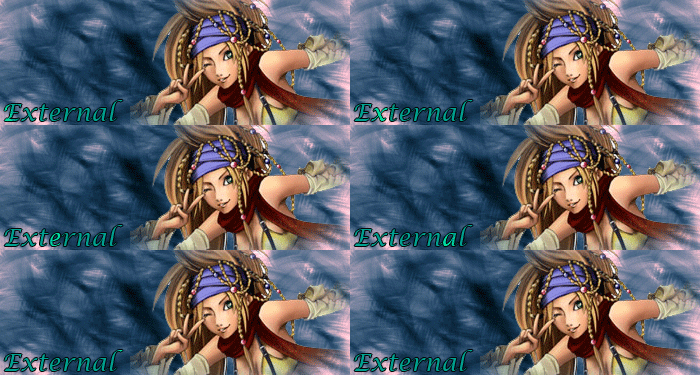
Take the picture you wanna have the text in and make a text.
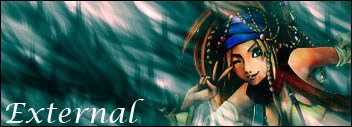
Now you can double click the Text layer and edit it as you want to.
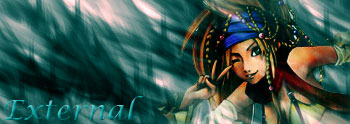
Now make a new layer and merge the text layer into that.
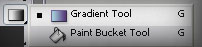
Make another new layer and select the Gradient tool.
Take a gradient with transparency on both sides (Gradient in the centrum)
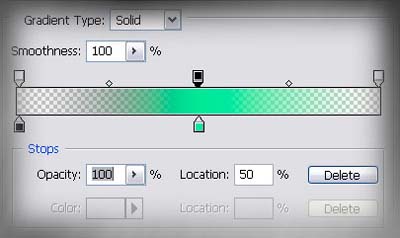
Drag the Gradient where ever you want. (not too big or too small)
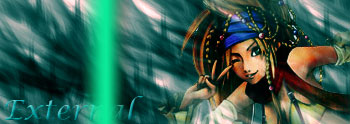
Now press Ctrl + G and set the Gradient option to "Overlay".
Now press Shift + Ctrl + M to transfer it to Image Ready.
IMAGE READY CONTINUE
Now you can see your picture in Image Ready (IR). If you don't have the :Animation" menu up, go Window > Animation
Create e new frame by clicking
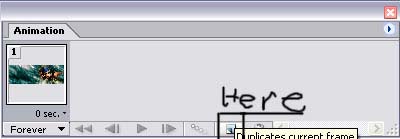
Get the Move Tool
 . And move the gradient to the other side of the text.
Then press the Tween button.
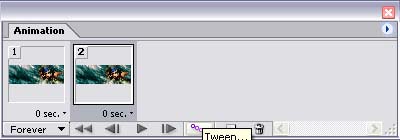
And add these settings.
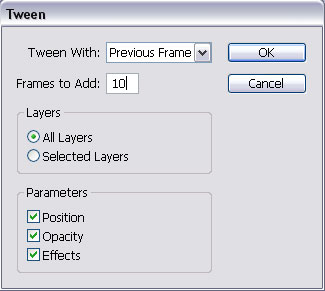
Then press OK.
Now your done!
Now go File > Save optimized As... and save as .gif.