
1. Import a picture
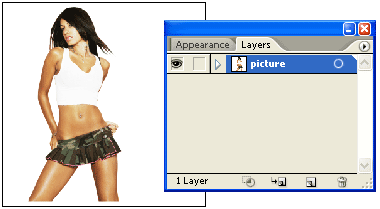
Find a beautiful photo that you would like to use for your artwork. Place it in Illustrator by File > Place. Then lock the layer.
2. Base paths
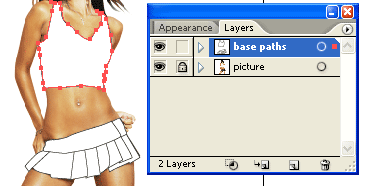
Make a new layer, 'base paths'. Use the Pen tool, cover the clothes with white paths.
3. Envelope text distortion
Copy all white paths from 'base paths' layer and paste it in a new layer. If you want, you can just duplicate the 'base paths' layer. Now use the Type tool to type in your text message and send it to back (note: your text must be sit below the shape). Then select the text object and the shirt path, go to Object > Envelope Distort > Make with Top Object or press Ctrl+Alt+C. This will distort the text with the selected shape.
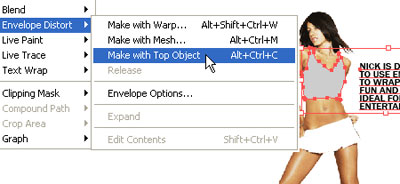
Repeat this step to make the envelope text distortion for the skirt.
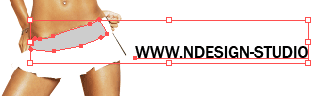
Skirt
For the skirt text objects, rotate it to 90 degree.
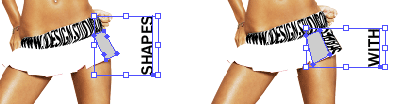
Don't forget to use the short cut keys. It will save you a lot of time. Just select the shape and text, and press Ctrl+Alt+C.
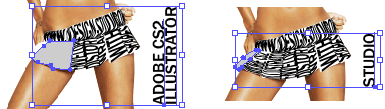
Final
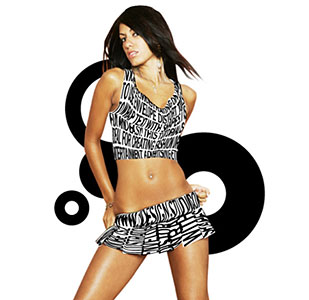
Now you can add some design elements in the background to spice up the artwork.