


Make a Ceratin area of a image stand out more than the pther by making one section colored as the rest is black and white..
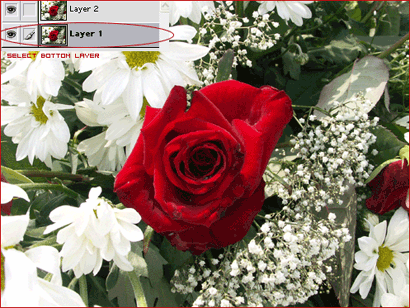
Open Your image you will be working with. Select the whole image CTRL+A then press CTRL+C and CTRL+V after.
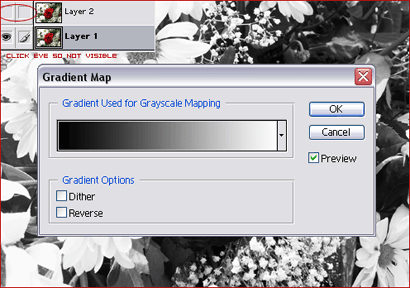
While you have the bottom layer selected you need to go to your layer palet and make the top layer not visible. Then you need to go IMAGE>>ADJUSTMENTS>>GRADIENT MAP. Select the black and white gradient after you have done so.
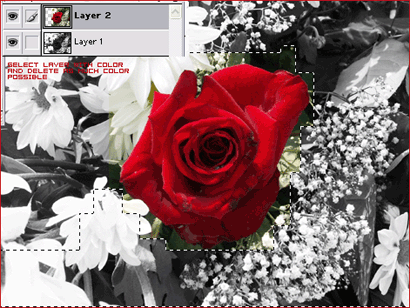
Get your lasso tool and try to delete as much as the black and white possible.
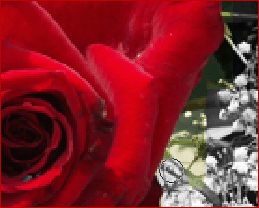
Now get the eraser tool that looks like a eraser and delete all the extra color off the layer with the color on it.
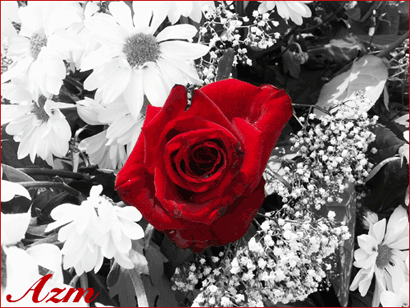
Thats it your done, it should look like this.
