1. Open your picture and fill it with black.
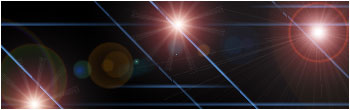
2. Add a few lens flare here and there.
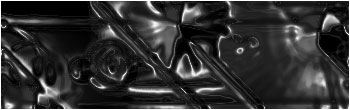
3. Go Filter > Sketch > Chrome
Detail: 10
Smoothness: 0
4. Duplicate the layer by clicking Ctrl+J
5. Go Filter > Blur > Motion blur
Angel: 0
Distance:999
6. Put the layer to Color Dodge
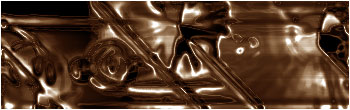
Now you're done! This is my results:
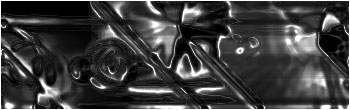
And if you want to, you can always put a little color on it by pressing Ctrl+B and play around with the settings.