

1. Open a new 500 x 500 Document.
2. Create a new layer and fill it in with black.
3. Go to Filter > Render > Lens flare. ( 85%, 50-300mm Zoom ). Place it some where in the middle
4. Then go to Filter > Stylize > Wind ( Blast, From the LEFT )
5. Repeat this step only do it from the right this time.
6. Go to Filter > Distort > Wave (Type - Square). Click Randomize until desired effect is achieved
Now you can edit it yourself with colors from Hue & Saturation, then crop it and use it however.
My final result after Hue / Saturation:
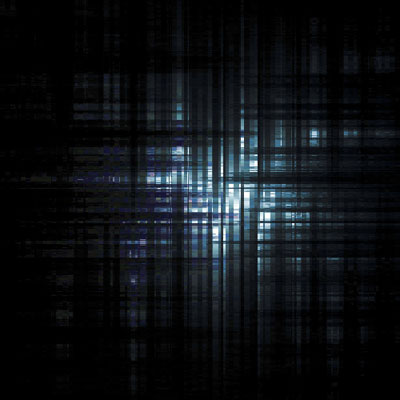
Click to enlarge
