Here's how to enhance a render like in my signature.
1. Duplicate the render's layer by dragging the layer on the palette to the New Layer button.
2. Next, do a Box Blur (if you have CS2/CS), or do a Gaussian Blur. If you can do a box blur, use these settings:
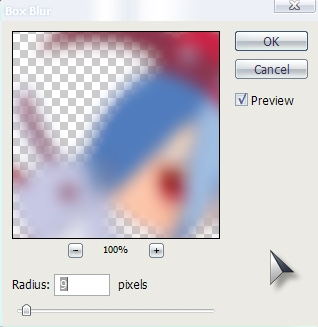
3. Go to Edit>Fade Box Blur, and choose a blending mode that fits your piece. I used Color Burn.
4. Duplicate the duplicated layer (the one you just did the box blur on).
5. Do a Gaussian Blur, with these settings:
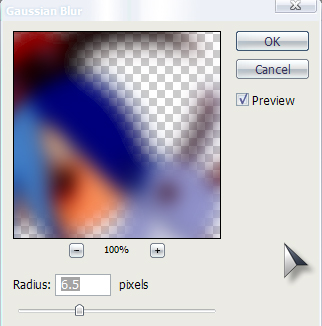
6. Change the blending mode to something like Hard Light, or whatever fits your needs. I personally did Hard Light for this render, because I needed a darkish feel for the render.
Et voila! Your render now is enhanced with better colors, and a blurred outline.
Before:

After: