Concept: With Desaturate command we convert the photograph into grayscale and then add spice with Brightness and Contrast.
1. Open an image.
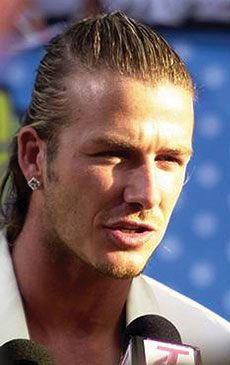
2. Image > Adjustments > Desaturate

3. Image > Adjustments > Brightness/Contrast
(Contrast +68)

Her


 Level: Beginner Software:
Photoshop
Level: Beginner Software:
Photoshop Concept: With Desaturate command we convert the photograph into grayscale and then add spice with Brightness and Contrast.
1. Open an image.
2. Image > Adjustments > Desaturate
3. Image > Adjustments > Brightness/Contrast
(Contrast +68)
