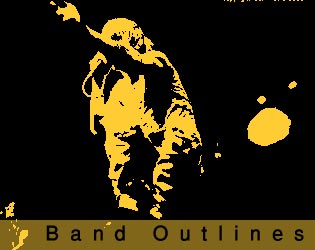
This tutorial will teach you how to create the classic band style poster outlines, as often seen on many band posters and flyers.
First open the image you wish to apply the effect to.
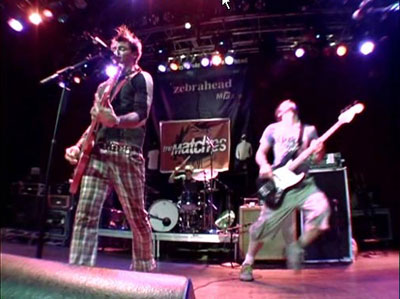
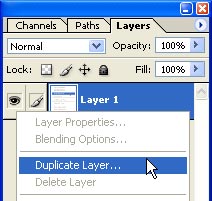
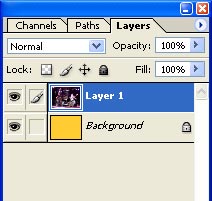
Duplicate the later with your photo on.
Select your background layer and fill it with a colour. I chose this nice bright yellow.
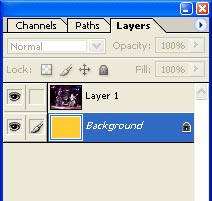
Select the layer with your photo / image on.
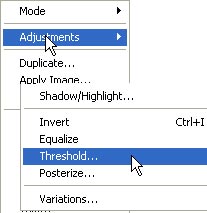
Now we go to Image > Adjustments > Threshold
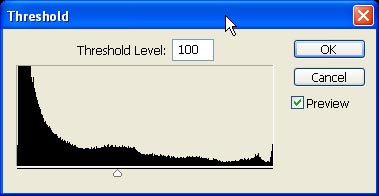
If you move the slider you will see in the background that you image will be changing, for the photo i used, the setting off 100 was fine.
After altering the threshold, this was the outcome. You image should look something similar to the one below.
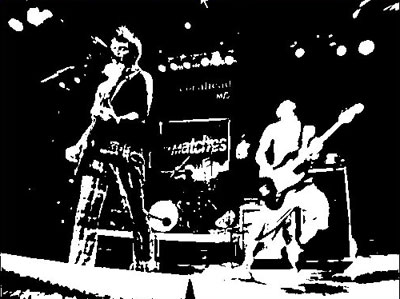
Now set this layers blending mode to MULTIPLY
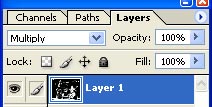
And now our yellow shows where all the white on the image was.
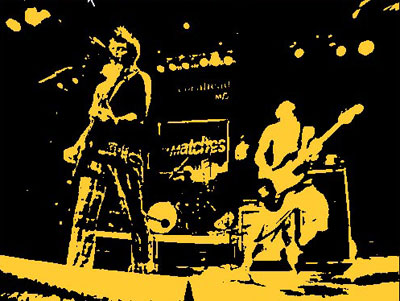
Here is the effect applied to another image.