

This is the finished product of this tutorial, a beautiful effect to use on pictures.
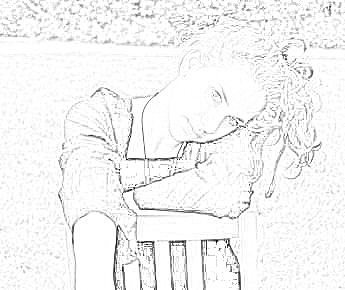
I am going to show step by step how to do it.
First, open a picture you like. I chose this one, of a beautiful lady.
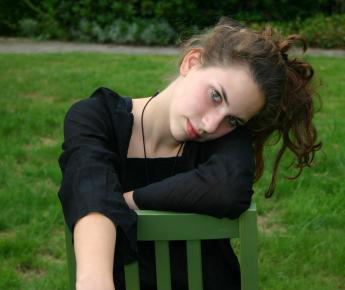
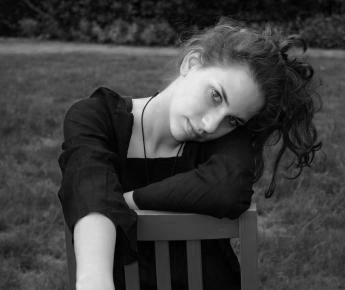
Now go to image > adjustments > desature. Your image is black and white now.
Now duplicate this layer, and set the duplicated layer to color dodge(on the layers tab). Now the main trick, go to image > adjustments > invert (or ctrl+i), to invert the colors of the picture. Where is the lady?
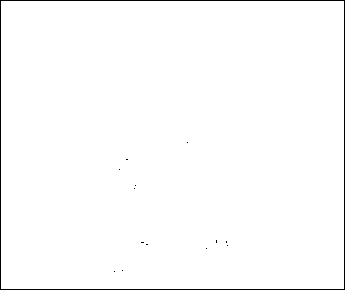
This procedure now is very funny to do, go to filter > blue > Gaussian blur. Play around with the settings to get what you want from the image. I used 1,1 radius on the Gaussian blur. You can use motion blur, radial, and get some nice effects too.
I hope you liked the tutorial.
