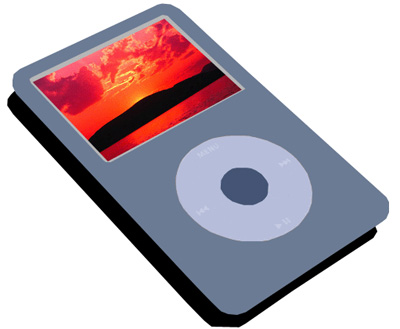
1. At first get a picture of an Ipod and then select pen tools and then do the next steps.
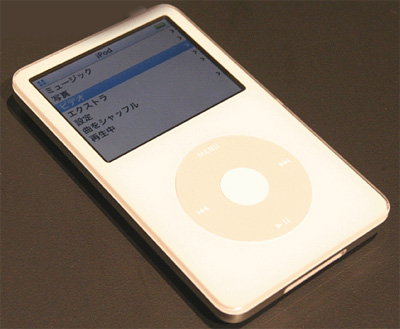
2. Cut out the top part of the Ipod carefully...if you can't cut it easily then zoom in and press (CTRL - +).
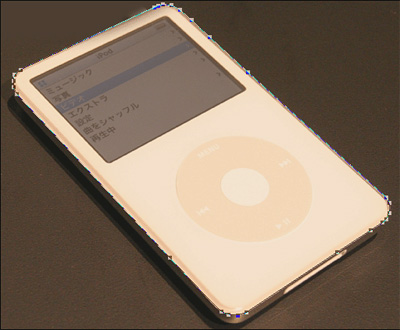
3. Then add a color. It will look like this now, slowly fill with your color the first part of the image.
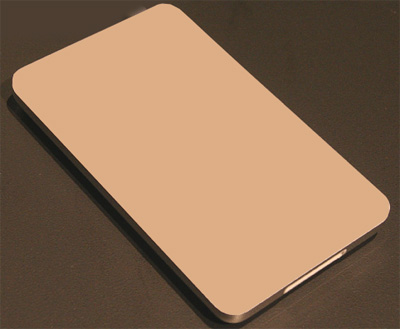
4. Cut out the Screen of the Ipod carefully...if you can't cut it easily then zoom in and press (CTRL - +)
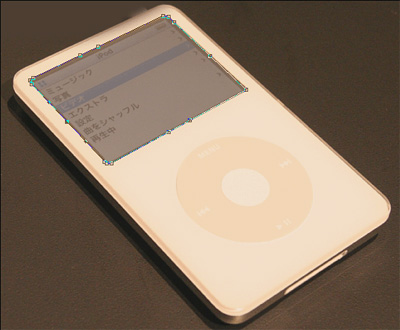
5. Then give this layer a color and it will look like this, now slowly fill in the color of the screen.
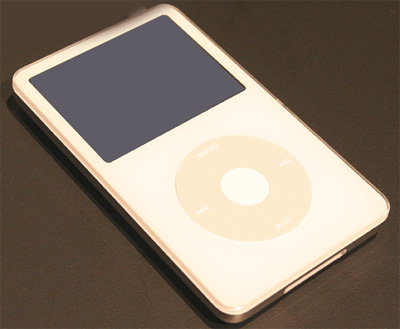
6. Cut out the mouse area of the Ipod carefully...if you can't cut it easily then zoom in and press (CTRL - +)
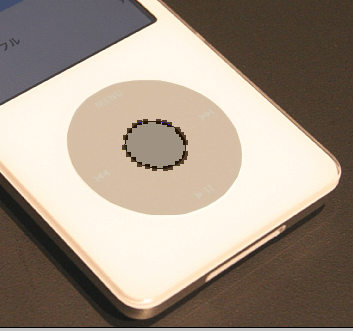
7. Cut out the mouse area of the Ipod carefully...if you can't cut it easily then zoom in and press (CTRL - +)

8. Cut out the shadow of the ipod carefully if you can't cut it easily then zoom in press (CTRL - +)
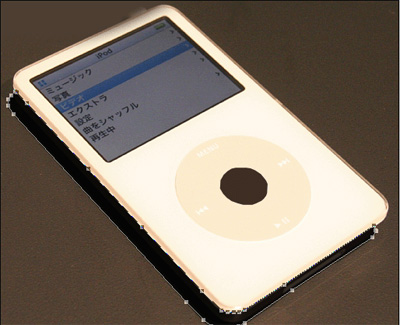
9. Now delete the first Ipod image and only leave the vector shapes. Then color the Ipod as you wish now you are finished.