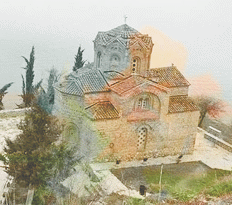
1. Open a photo and duplicate your layer after. Right click on the layer and choose Duplicate Layer.
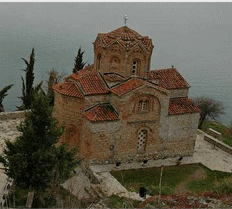
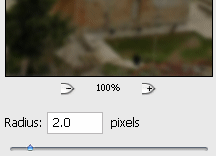
2. Go to Filter - Blur - Gaussian Blur and add a 2.0 radius.
3. Then set your current layer, you do this by going to Layer- Layer Style and choose Blending Options and there set the Blend Mode: Screen the rest is ok like that.
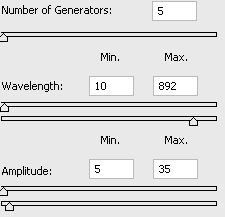
4. Go to Filter- Distort - Wave and there everything is set as we need it.
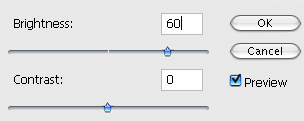
5. Now go to Image - Adjustments - Brightness/Contrast. Set everything like me.
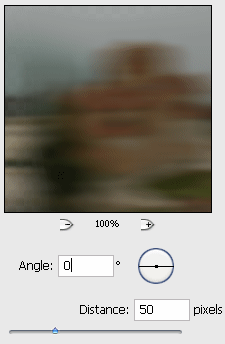
6. Go to Filter - Blur - Motion Blur.
7. Set your Layers like before 2 times and you are done.