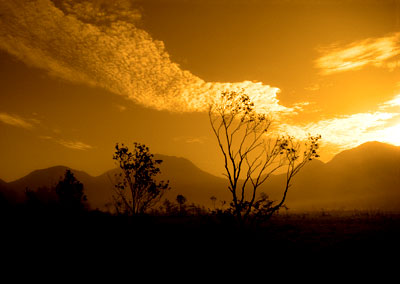
1. Open Photoshop. Open Image to create Simple Sunset Effect.
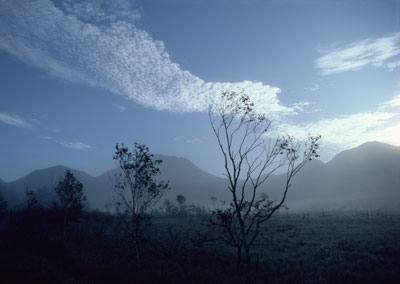
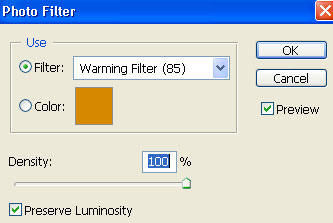
2. We will apply photo filter.
Image > Adjustments > Photo Filter
Use following options and values for Photo Filter dialogue box.
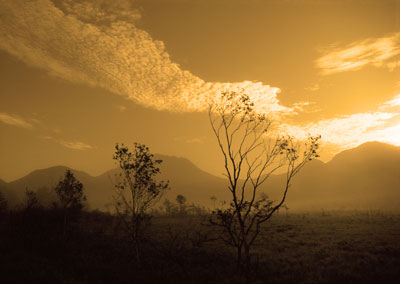
3. The effect is almost generated but you may want to touch up a bit.
4. Image > Adjustments > Brightness/Contrast (use following readings)
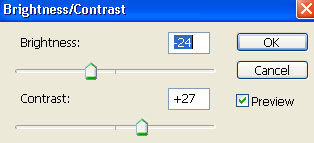
5. You will get following effect after adding Brightness/Contrast.