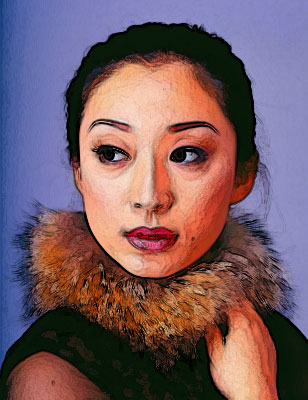
1. Open Photoshop. Open Image to apply painting effect.
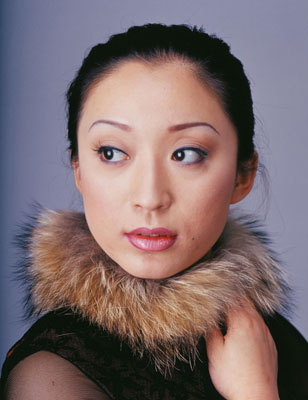
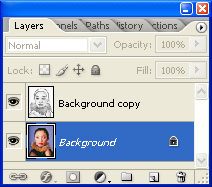
2. Make a Duplicate of the image layer and keep it selected.
Filter > Stylize > Find Edges
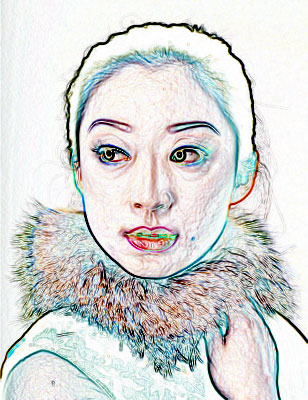
3. Image > Adjustments > Desaturate (Change the layer mode to "Multiply)
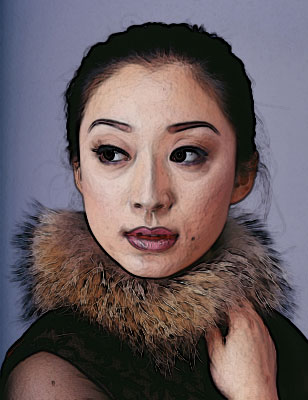
4. Select Bottom Layer
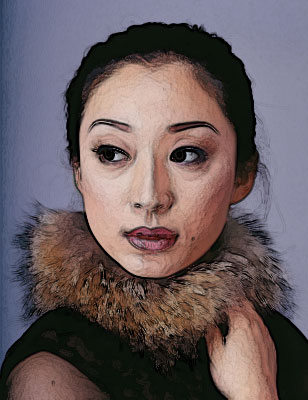
5. Filter > Artistic > Dry Brush
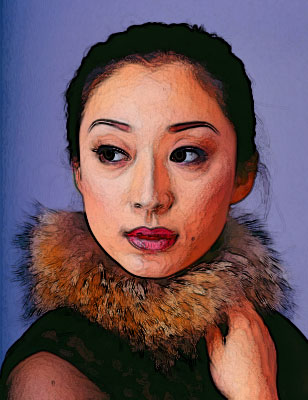
6. Image > Adjustments > Hue/Saturation (Drag Saturation to 50)
7. Image > Adjustments > Brightness/Contrast
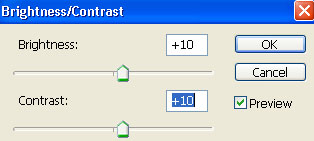
8. You can experiment with Brightness/Contrast values.