

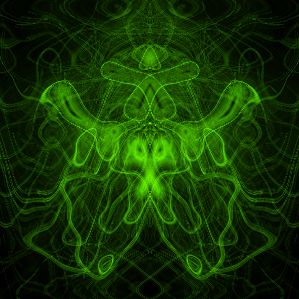
Result will be like that:
Open a new file in Photoshop, i took 300õ300.
Fill it with black.
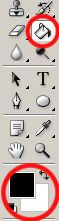
Go to Filter-Render-Lens Flare. Set Brightness to 130.
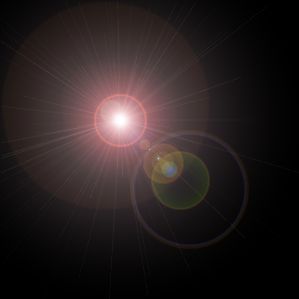
Repeat last step Filter-Render-Lens Flare, but set Brightness to 100 and move it a little bit:
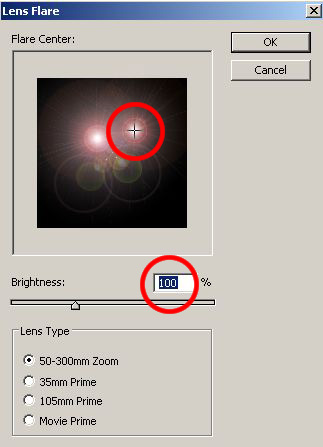
You should get something like that:
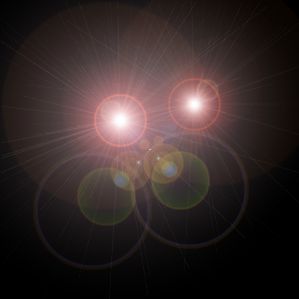
Repeat it again, but set Brightness to 80 and move it again:
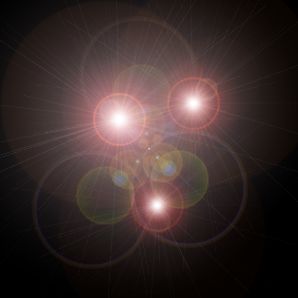
Now go to Filter-Stylize-Find Edges:
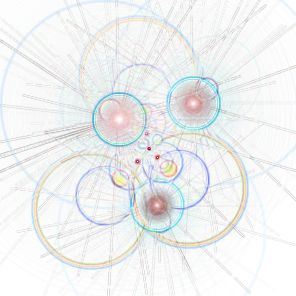
Invert colors: Image-Adjustments-Invert.
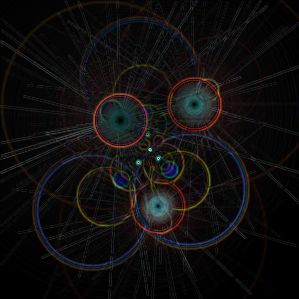
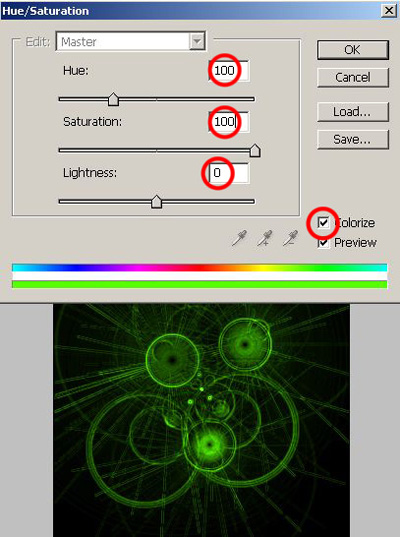
Image-Adjustments-Hue/Saturation.
Don't forget to click on Colorize! And choose any color you want.
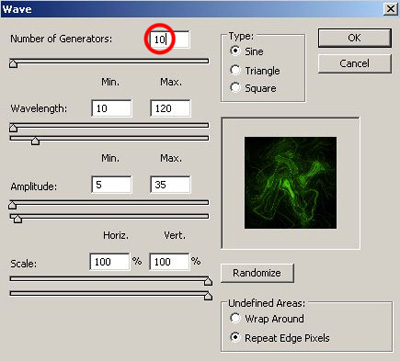
After that go to Filter-Distort-Wave. You can change the number of Generators from 5 to 10:
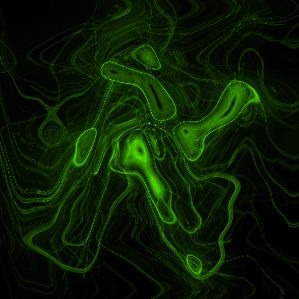
And get this kind of beauty:
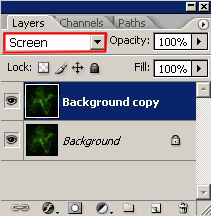
Let's duplicate our layer: Layer-Duplicate Layer.
In Layers window change layer mode to Screen:
We got only one step left: Edit-Transform-Flip Horizontal:
You can add some text.Good luck!
