


Result:
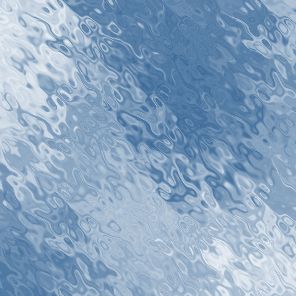
Open a new file in Photoshop. My size is 300x300.
Set foreground color as a dark-blue, background as white.

Filter-Render-Clouds:

Let's turn our clouds into water ripple. Filter-Distort-Ripple and put amount-999, size- large:
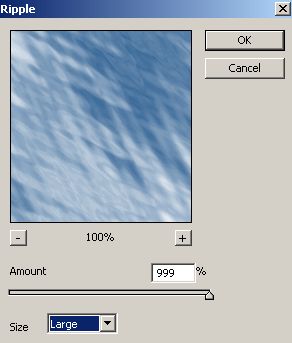
That's what you should get:

Now we'll make it more realistic. Repeat Filter-Distort-Ripple, but change size to medium, and leave amount of 999:
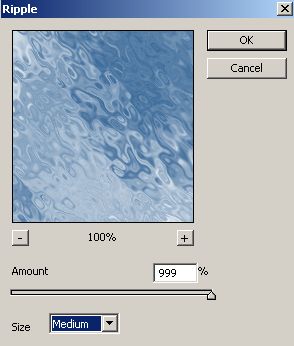
Water surface is ready!
Have a good day!
