

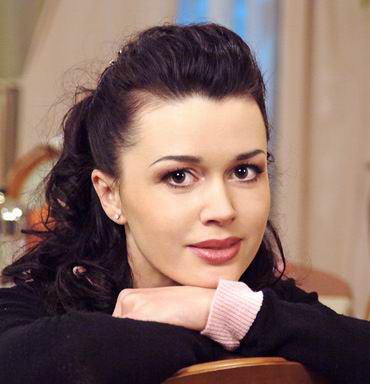
Original:
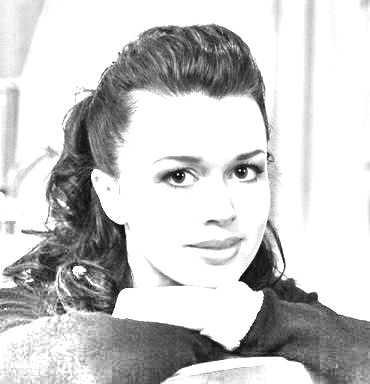
Result:
Open up any picture. I took a photo of my favorite actress Anastasia Zavorotnyuk :0)
Let's make it black and white: Image-Adjustments-Desaturate (or press Ctrl+Shift+U):
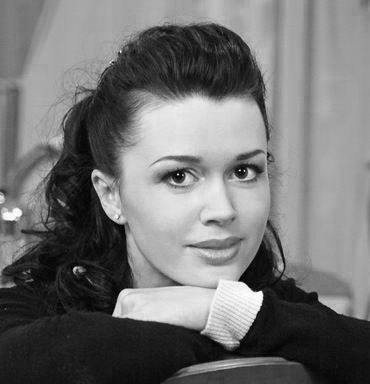
Now duplicate your layer: Layer-Duplicate Layer and invert colors: Image-Adjustments-Invert. Here is what i have so far:
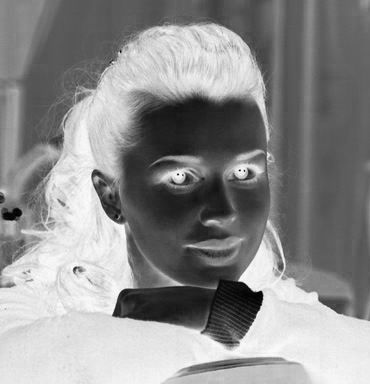
Change duplicate layer's mode to Color Dodge. You should have just white background.
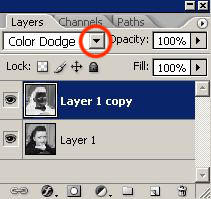
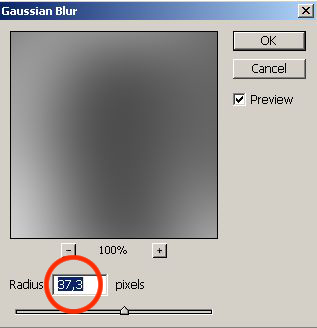
Filter-Blur-Gaussian Blur, and move the slider left or right until you see what you like:
Here is my result:
Good luck!
