


Result:
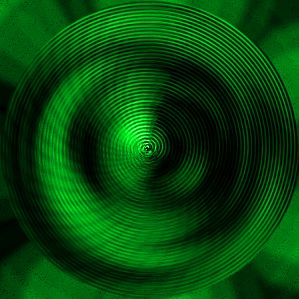
I've got this effect right now after a few manipulations in Adobe Photoshop. Make a new file in Photoshop. My size is 300õ300 pixels. Fill it with black color:

Filter-Render-Clouds:
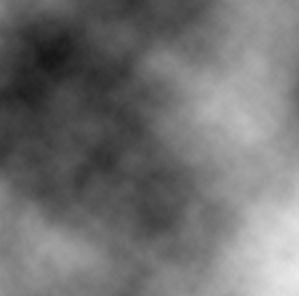
Filter-Render-Difference clouds:
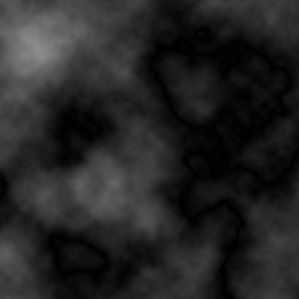
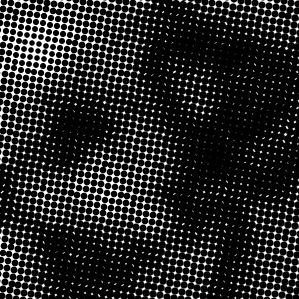
Filter-Pixelate-Color Halftone:
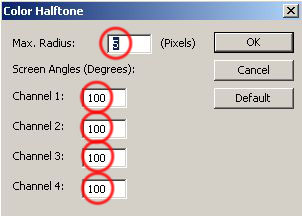
You should get something like that:
Filter-Distort-Polar Coordinates:
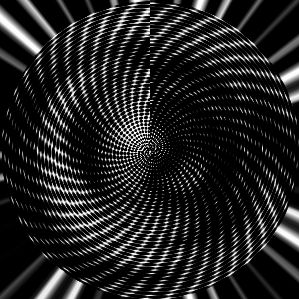
Looks like an ancient mollusk, isn't it? :0)
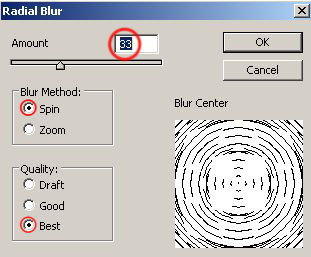
Filter-Blur-Radial blur:
Looks beautiful already!
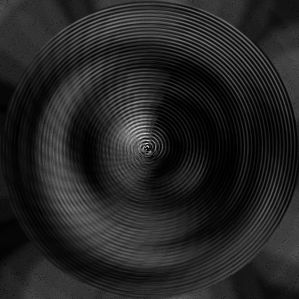
Let's add some color!
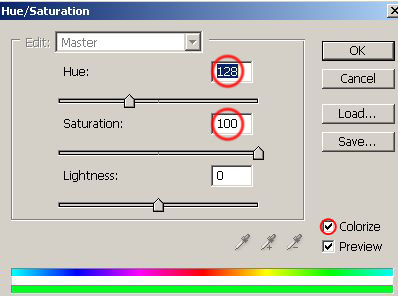
Image-Adjustments-Hue/Saturation.
Click on Colorize and choose any color you want:
Final result:
Wish you good Photoshop experiments!
