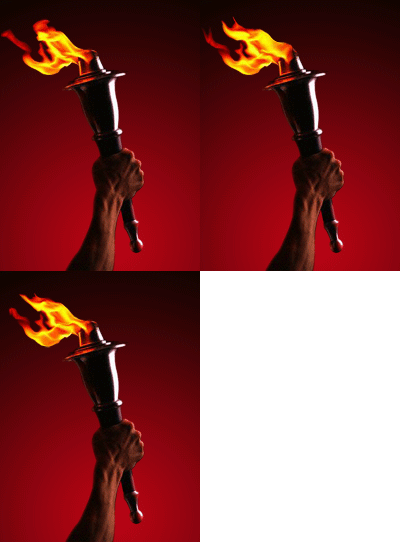
Start by opening an image of a torch.

Knock out the arm from background using your favorite cutout method.
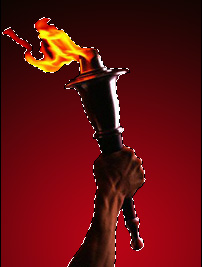
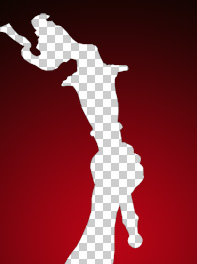

Using lasso tool select fire from torch.

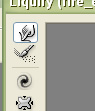
Select liquify from filter menu.
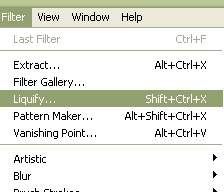
Select forward warp tool and drag on fire in a random manner.
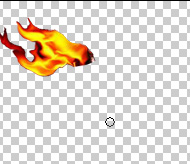
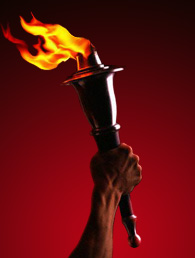
Duplicate the fire layer twice and on these two layers apply liquify filter similarly to create random shaped flame.

Open animation window. Hide the two duplicate fire layers for first frame.
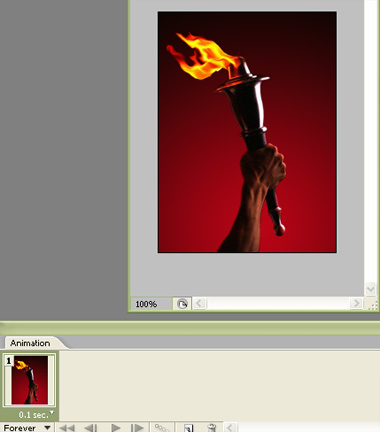
Duplicate first frame. For the second frame, hide first & third fire layers and unhide second layer.
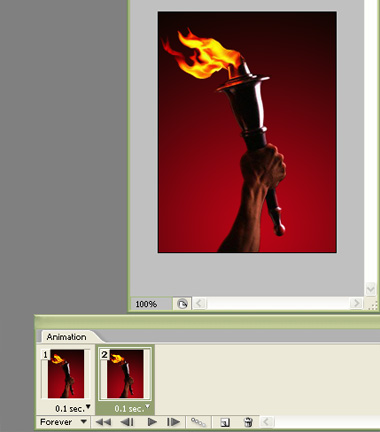
Similarly duplicate to create third frame and for this frame hide first two fire layers and unhide third layer.
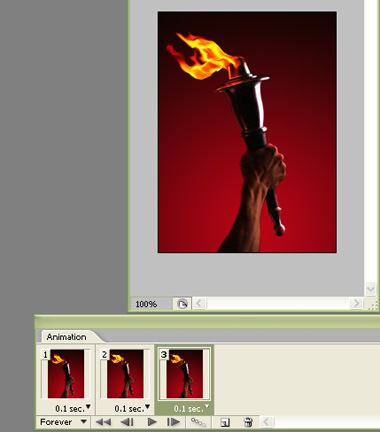
Press play button to get the preview. Press Ctrl+Alt+Shift to export an optimized gif animation.