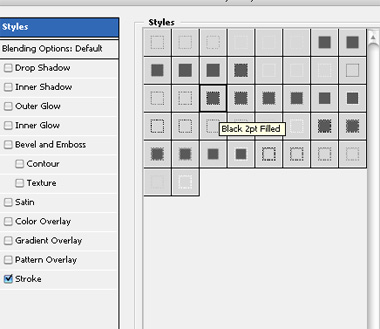
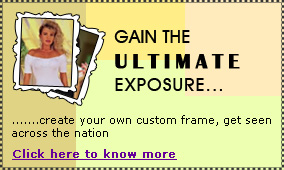
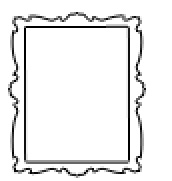
Start by creating "frame3" shape using custom shape tool.
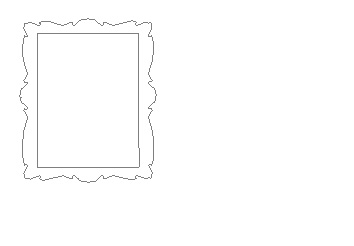
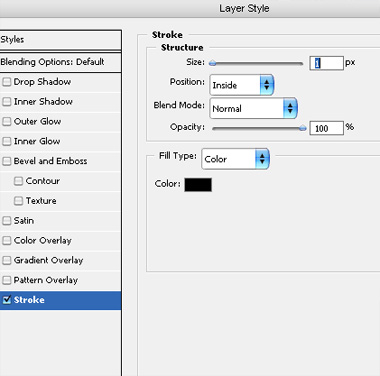
Double click the layer to open layer style window. Apply settings as shown.
Insert a model's image. Move this layer below the frame layer in layer order in layer palette.
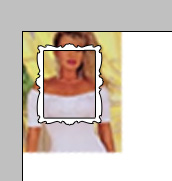
Scale down to frame size and place as shown.
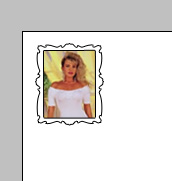
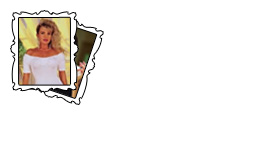
Similarly create another frame with another image. Rotate and place as shown.
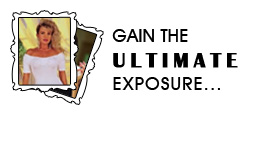
Type the promotional text.
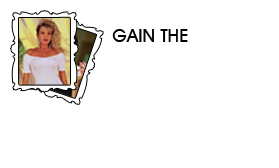
Try out various fonts in different sizes to create interesting layout.
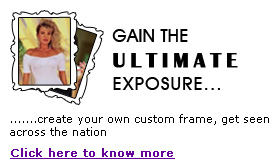
Create some rectangles with different colors using rectangular shape tool. Move these rectangles below all the layers in layer order in layer palette.
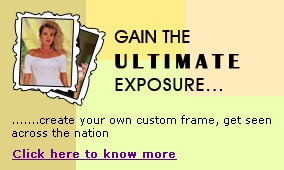
Create a new layer above these rectangle layers. Fill it with any color. Double click the layer to open layer style window. Apply stroke style as shown.