Start by creating an ellipse using elliptical shape tool.

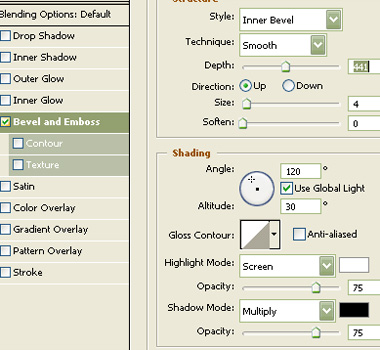
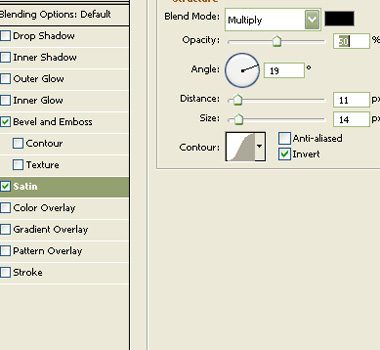
Double click the layer to open layer style window. Apply layer style with the settings shown.

Similarly create more duplicates change the colors and place to create an alphabet of your choice.
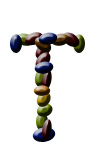
Create more alphabets with multicolored beads to create a word.
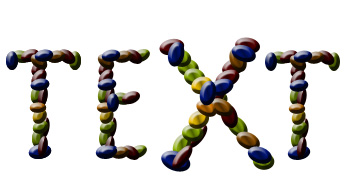
Select and merge all the layers. Duplicate the layer. From filter menu select stylize>>glowing edges. Apply settings as shown.
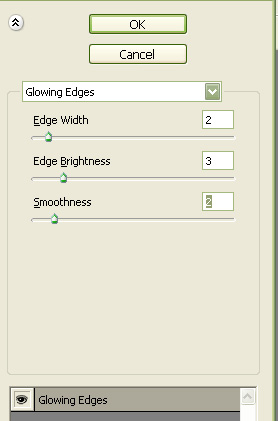

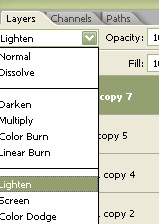
Change the layer mode to lighten.