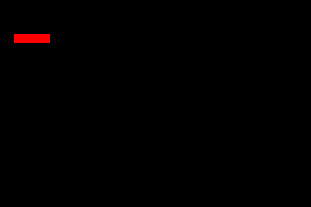
Start by creating a rectangle.
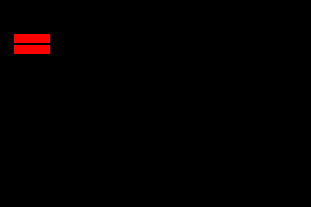
Duplicate and place below.
Create a tower of such rectangles.
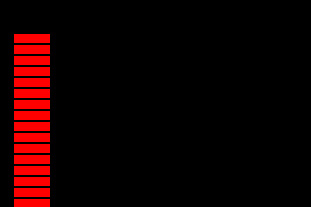
Select all layers and press Ctrl+G to group. Duplicate the group.
Using rectangular marquee tool create a selection covering all the shapes.
Fill it with a gradient.
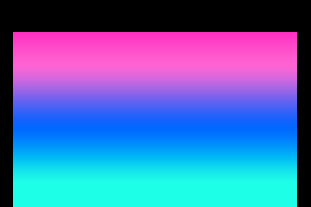
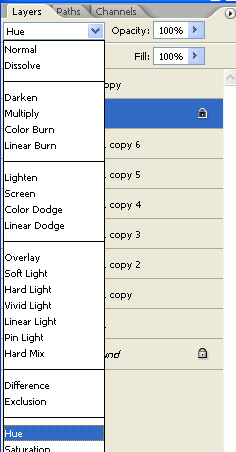
Change the layer mode to hue.
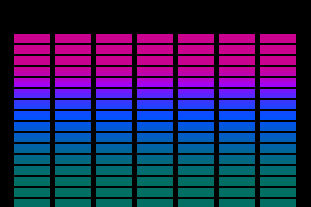
Create another selection and fill with a new gradient.
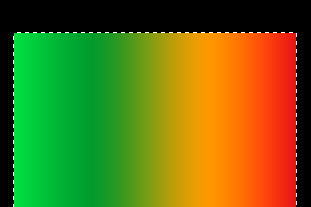
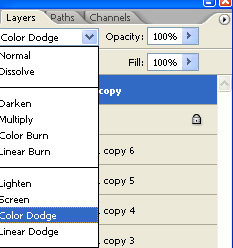
Change layer mode to color dodge.
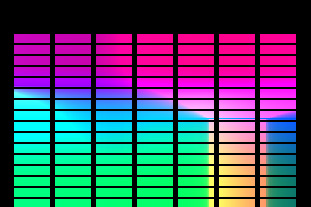
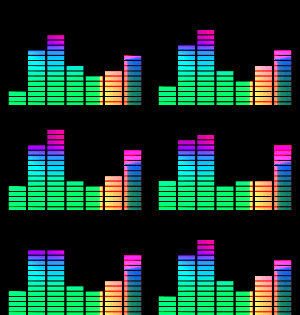
Hide a random number of rectangles from each group. Open animation window. Let this be your first frame of the animation.
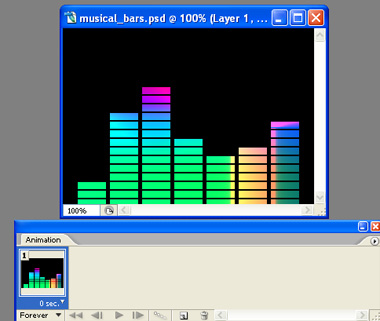
Duplicate the frame for second frame, unhide some of the hidden rectangles and hide some of the unhidden rectangles.
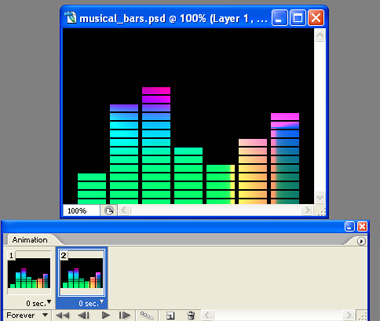
Repeat the step to create more frames.
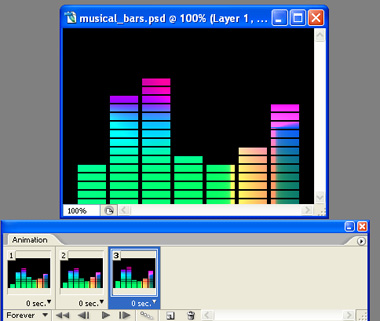
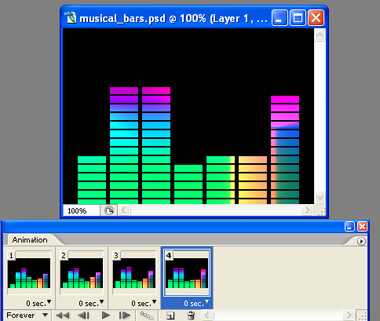
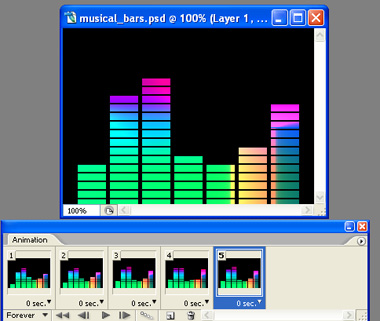
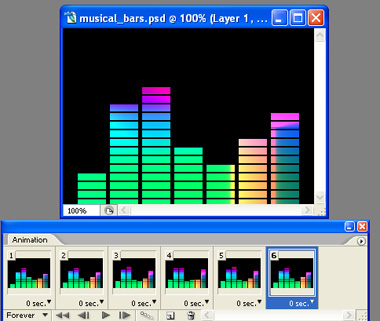
Preview the animation by pressing play button in animation window. Press Ctrl+Alt+Shift+S to save an optimized GIF animation.