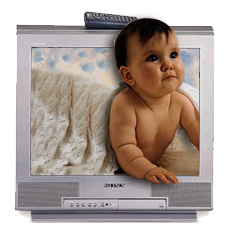
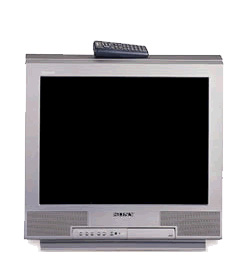
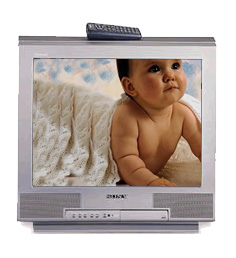
Start by opening an image of television.
Insert another image of a baby.
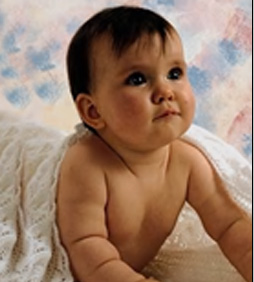
Scale down the image to the television size. Duplicate layer and hide it.
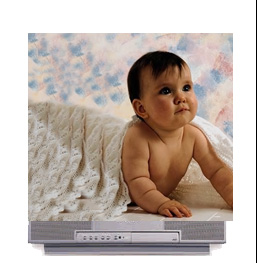
Hide the baby layer. Select the screen of the television using rectangular marquee tool.
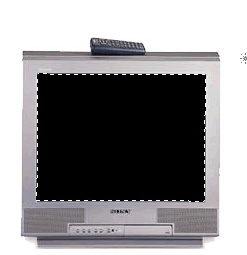
Unhide the baby layer.
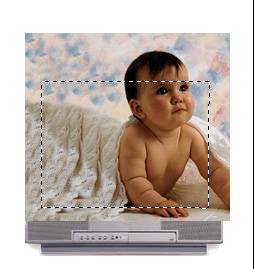
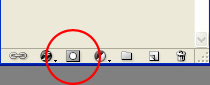
Select the baby layer and enable create layer mask from the layer palette.
Create selection of the baby using lasso tool.
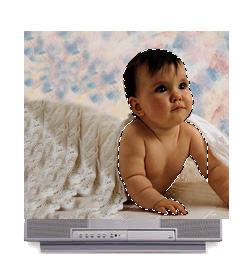
Press Ctrl+Shift+I to invert the selection. Press delete.
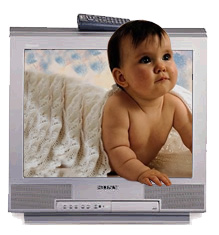
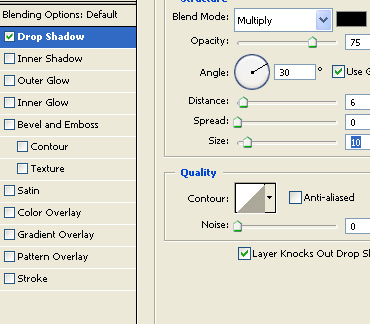
Double click the layer to open layer style window. Apply layer style with the settings shown.