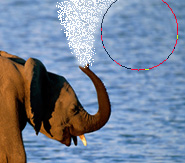
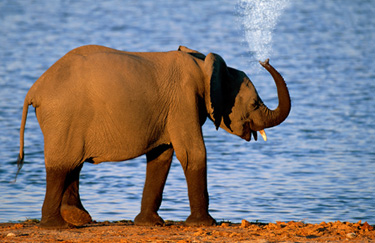
Start by opening an image of a elephant.
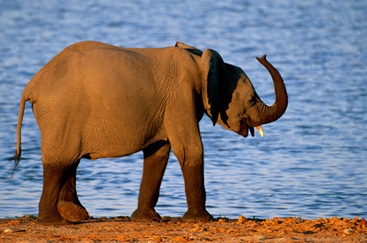
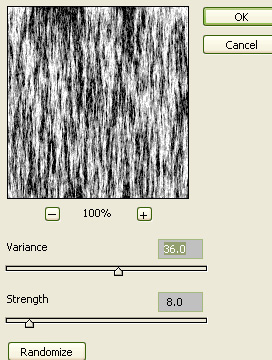
Create a new layer and press Q to enable quick mask. Apply fibre filter.
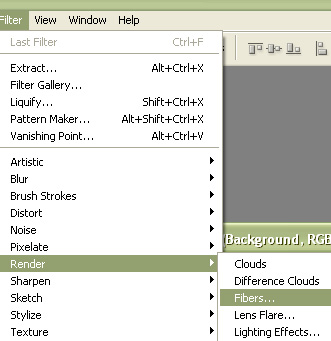
Use settings as shown.
Press Q to disable quick mask.
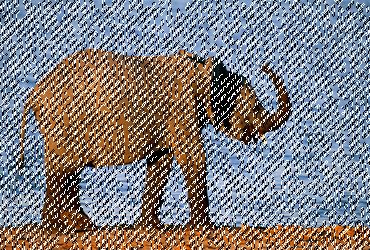
Fill the selection with white color.
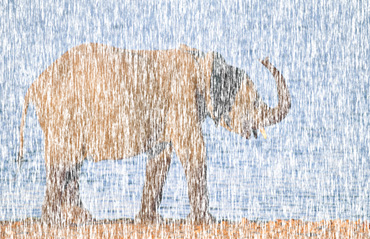
Create a rectangular selection using rectangular marquee tool.
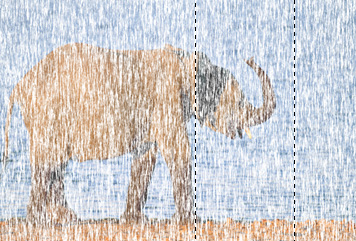
Press Ctrl+Shift+I to inverse the selection and remove the outer area.
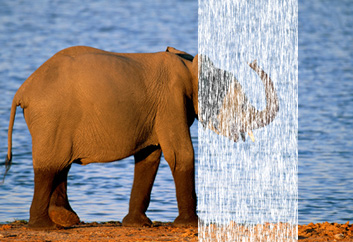
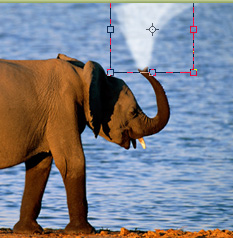
Press Ctrl+T and scale it down. Right click the layer and warp.
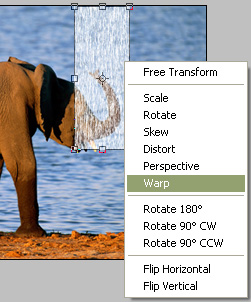
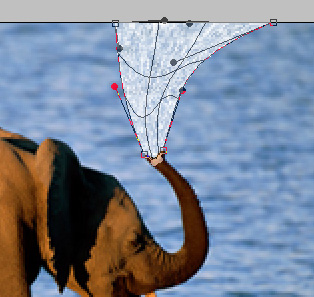
Adjust nodes as shown.
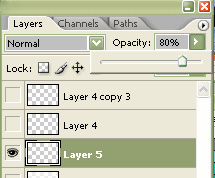
Reduce the opacity to 80%.
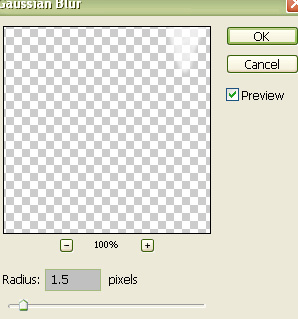
From filter menu select blur>>gaussian blur. Apply settings as shown.
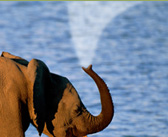
Duplicate the layer and press Ctrl+T. Rotate the layer counter clockwise slightly.
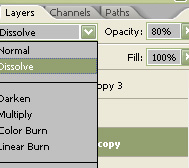
Change the layer mode to dissolve.
Select blur tool and apply it on the layer.