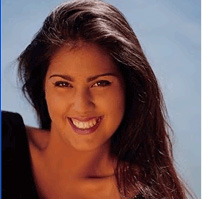
Start by opening an image of a girl.
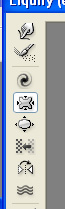
Duplicate the layer. from filter menu select liquify. Select pucker tool from the tool bar.
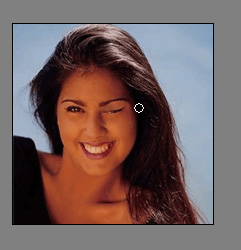
Close one eye of the lady.
Create rectangle using rectangular shape tool and place it at the bottom.

Duplicate the layer three times and change the rectangle colors.


Using rectangular marquee tool create a border selection.

Press Ctrl+Shift+I to inverse the selection. File it with white color in a new layer.

Type the text "CLICK HERE".

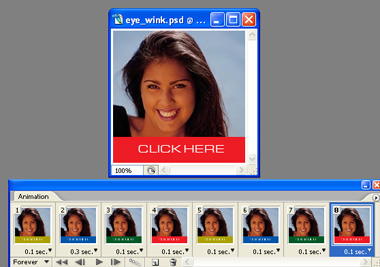
Open animation panel.
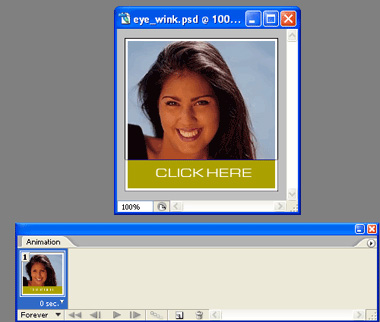
Create a duplicate frame and set the layers as shown in the images below.
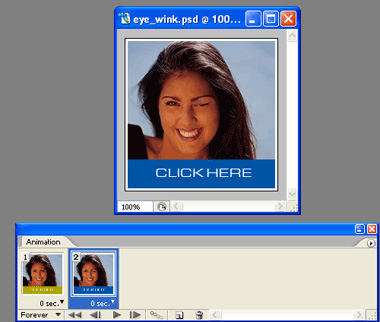
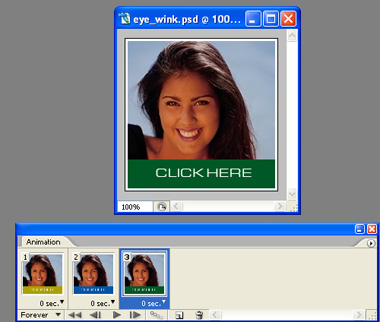
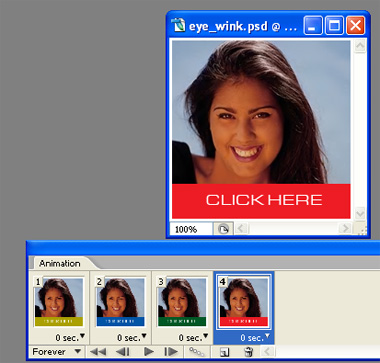
Duplicate these four frames and in layer window hide the closed eye layer and unhide the open eye layer.
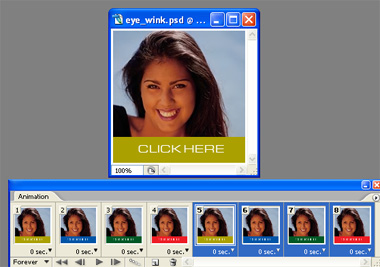
Adjust the delay durations of the frames as shown in the image below.