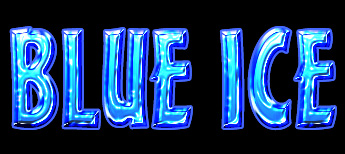
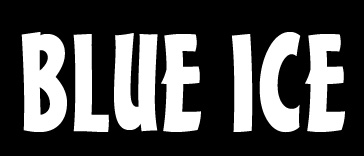
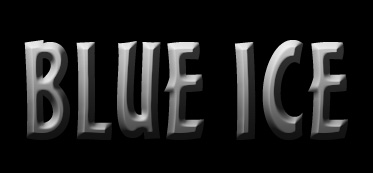
Start by typing "BLUE ICE" in a new file.
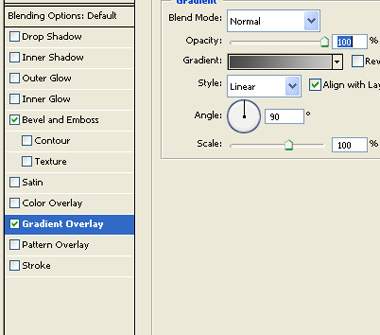
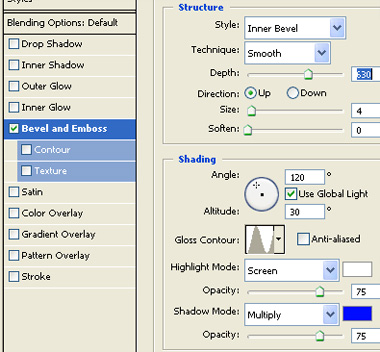
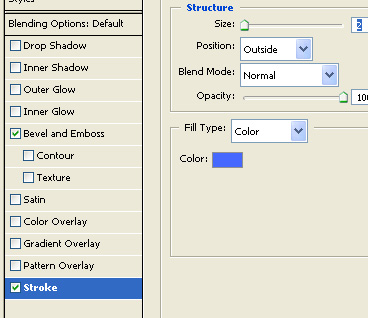
Double click the layer to open layer style window. Apply layer style with the settings shown.
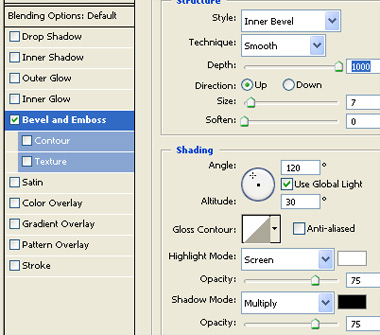
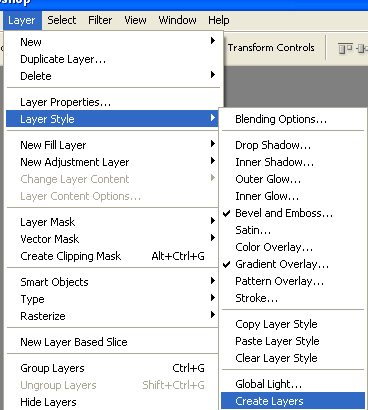
From layer menu select layer style>>create layers.
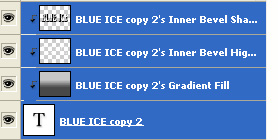
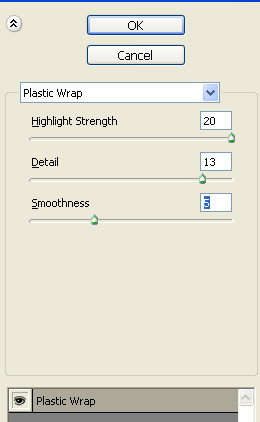
Select all the text layers and press Ctrl+E to merge. From filter menu select artistic>>plastic wrap. Apply settings as shown.
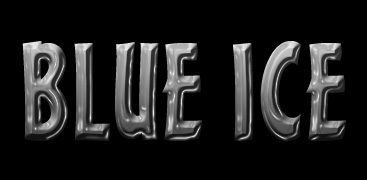
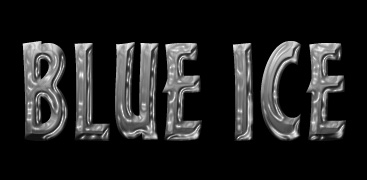
Press Ctrl+F to apply the effect again.
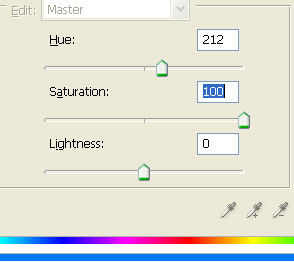
Press Ctrl+U to open hue/saturation window. Apply settings as shown.

Double click the layer to open layer style window. Apply layer style with the settings shown.
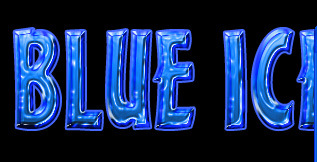
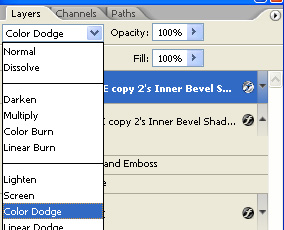
Duplicate the layer and change the layer mode to color dodge.