


Step One
Open up an image that you want to use it in your text. Here, I will use a picture of a girl :) Sorry, currently I don't have any better picture.

Step Two
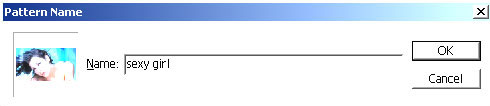
Go to Edit>Define Pattern and name it, let's say, "sexy girl"
Step Three
Open up a new document and type whatever you wish.
Step Four
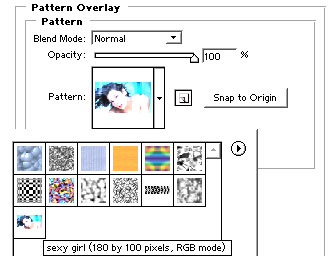
Now go to Layer>Layer Style>Pattern Overlay and choose "sexy girl". Press OK and boom your sexy girl is in your text! :)
Here's what I came up with,

I got around hundreds of emails asking what font I used for this tutorial. I used 04b_19 and font size 60px. You may download it from here.
