Step One
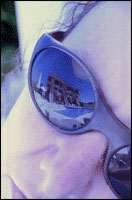
Open an image that you want apply Gen X effect.
Step Two
Make sure the Image Mode set to RGB color. If not go to Image>Mode and click RGB Color.
Step Three
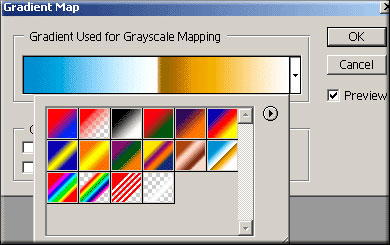
Go to Image>Adjust>Gradient Map and when the dialog box appear, choose a Gradient to apply Gen X effect in your picture and your got it!
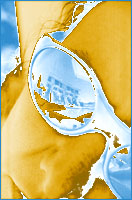
Here's what I came up with.