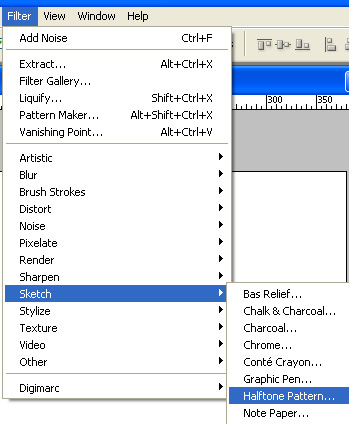
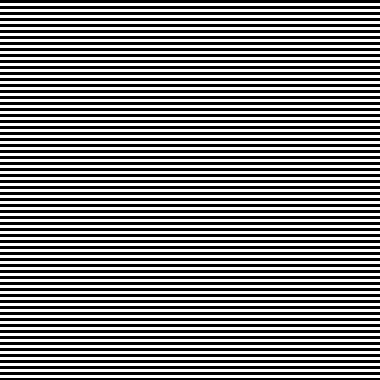
Start by creating a new file. Duplicate the background layer. Form filter menu select sketch>> halftone pattern.
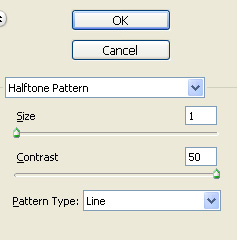
Apply settings as shown.
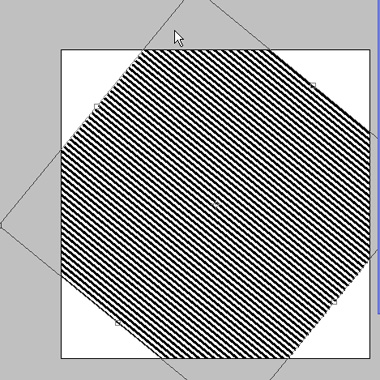
Press Ctrl+T and rotate the layer as shown.
Type the text in a new layer.

Ctrl+Click the text layer to get the selection.
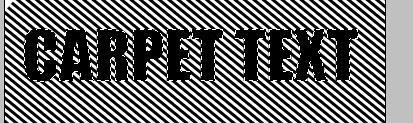
Hide the text layer. Select the layer with halftone effect.
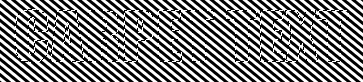
Press Ctrl+J and hide the pattern layer.

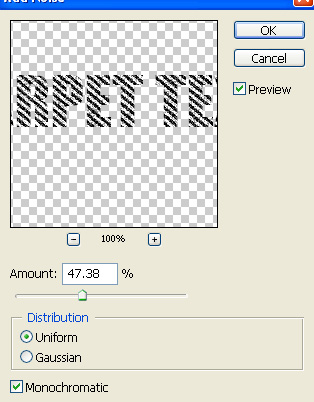
Form filter menu select noise>>add noise. Apply settings as shown.

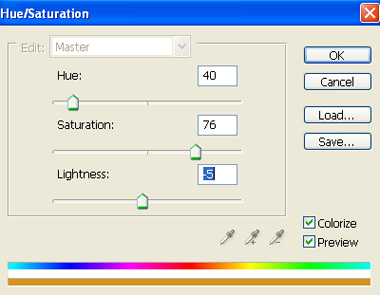
Press Ctrl+U and apply hue/saturation settings as shown.

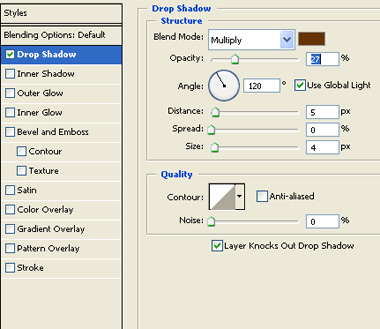
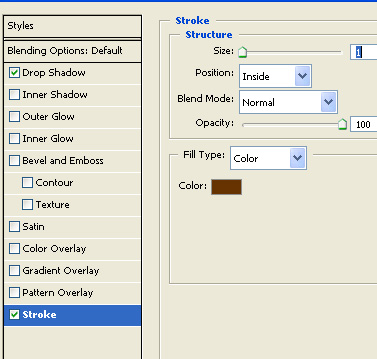
Double click the layer and apply layer styles using settings shown.