

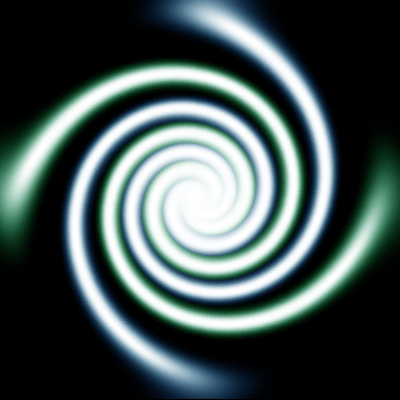
This tutorial will show you how to make a very simple abstract swirl, and color it.
Final Result:
Ok, start off by opening a 400X400 document with the background color of Black.
Now go to brushes and select this brush:
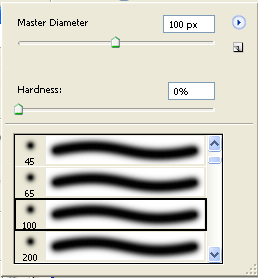
Now, set you foreground color to White, take the brush and drag it horizontally across the canvas while holding the Shift key:

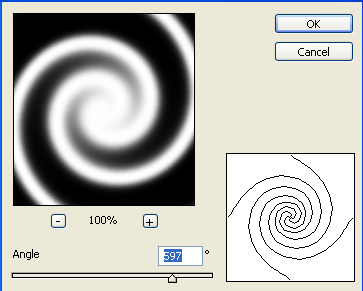
Now, go to Filter > Distort > Twirl and set it to these settings:
Now, duplicate the layer. With the duplicated layer still selected, set the blending mode to Lighten. Then free transform the layer and rotate it to look something like this:
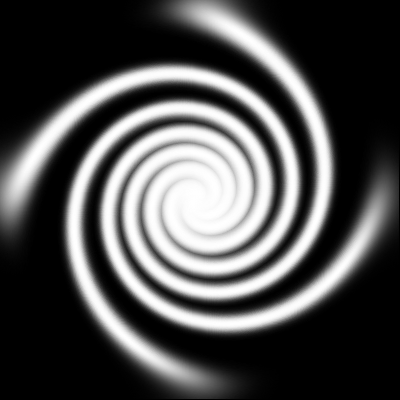
Now, color both layers by applying a color balance to both layers.
My Results:
