


This tutorial will teach you how to select and colour one part of your image. An example is shown below.
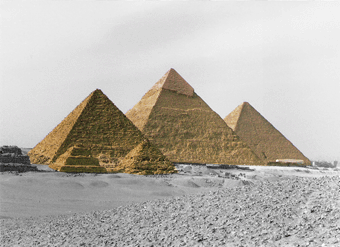
1. Open any image of your choice. Select the Lasso Tool, or Polygonal Lasso Tool.
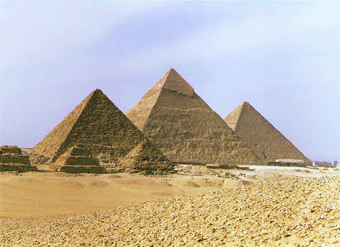
2. Highlight the part that you want to be colourised or greyscaled. In this tutorial, the part that I select will be colourised.
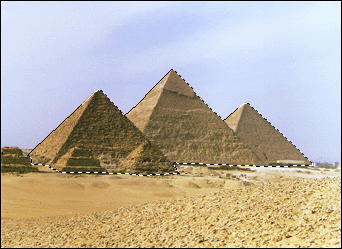
3. Press CTRL+C to copy the selection. Make a new layer, and paste the selection there.
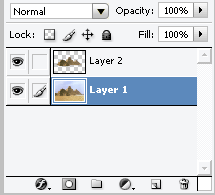
4. Select the layer that you want to be grey scaled. Then press Image > Adjustments > Desaturate
That's it. This is a basic tutorial, but sometimes the effects turn out to be quite effective if you want to make something stand out from its background.
