

1. Open Photoshop and open an existing image or create a new image.
2. On a new layer create a rectangle any color you want.
3. Right click the layer in the Layers panel and select Blending Options:
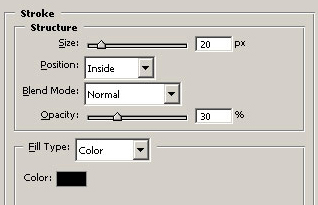
Change the size of the stroke depending on the size of your rectangle.
4. You should have something like this:
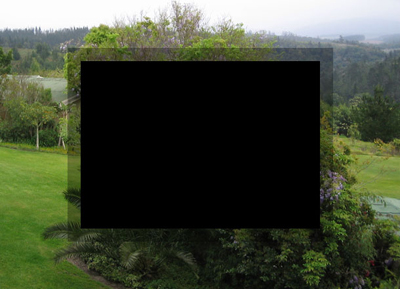
Click to enlarge
Add some text and extra details and you are finished.
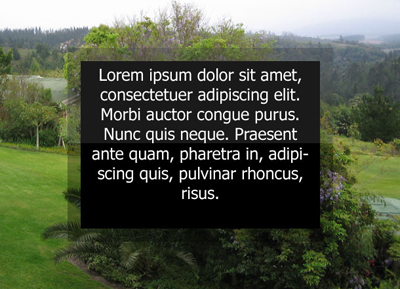
Click to enlarge
