


Step 1
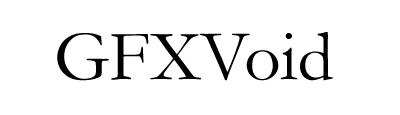
Create a new image and type the text you wish to add a 'pixel blur' to, like above.
Step 2
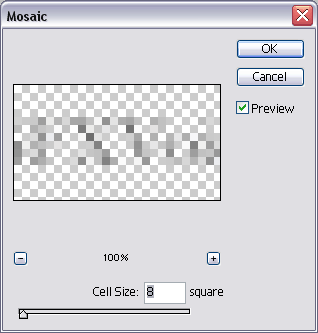
Rasterize your text. Duplicate your layer rasterized text layer (Ctrl+J). Go into the mosaic filter and use the above effects on your new layer.
Final Product
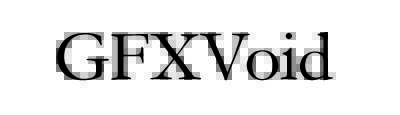
Pretty damn simple if you ask me =).
