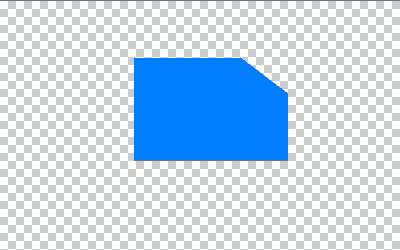
1. Open a new file, around 500 x 400pixels, with a transparent background.
2. Make a square.
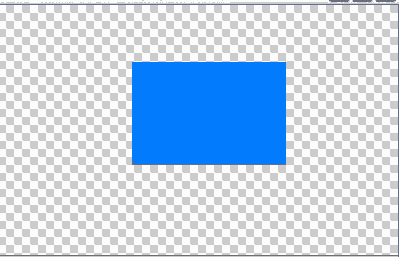
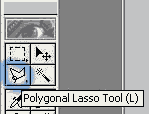
3. Click on the polygon eraser tool
4. Select a region around your square that you want to cut out.
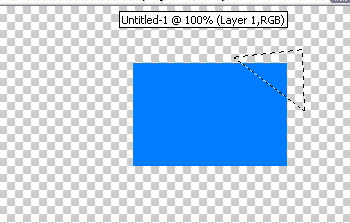
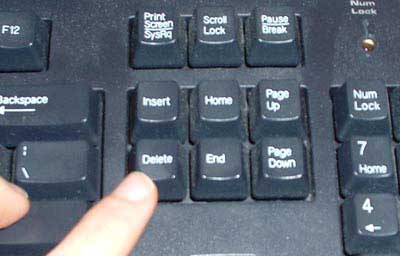
5. Click the delete button on your keyboard
For some people you must rasterize the layer first. Go to Layer > Rasterize > Type
Walla, you cut the edge off your square. You have now mastered the Polygon Lasso Tool.