Step 1 Create a new image, and select the gradient tool with the above settings (right below the top menus)
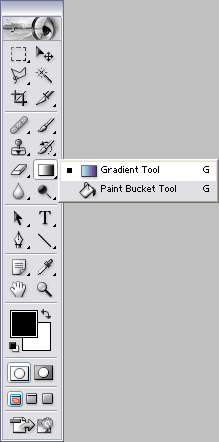
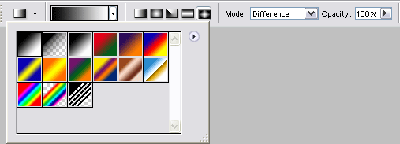
Click to enlarge
Step 2 Make many ultra-small diamond gradients that overlap eachother in multiple places, like above
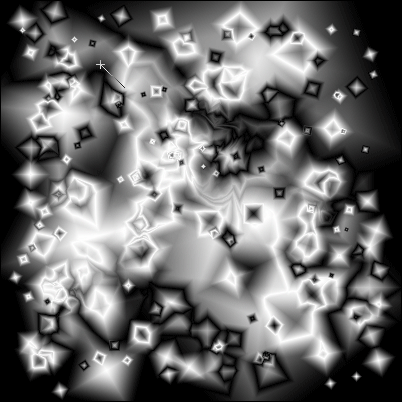
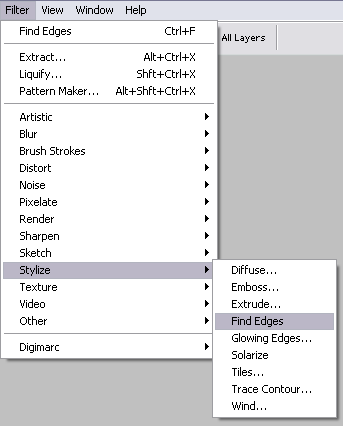
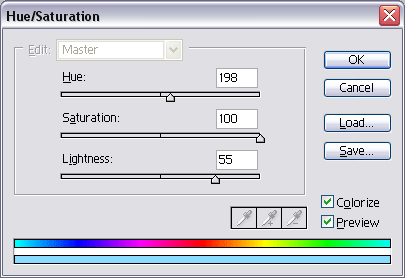
Step 3 Find Edges . Press CTRL+F to repeat 1 time. Press CTRL+U and use the above settings for a light-blue color.
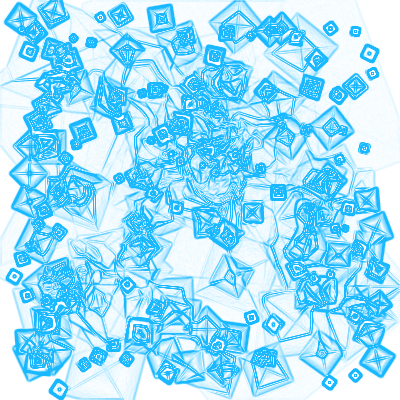
Final Product