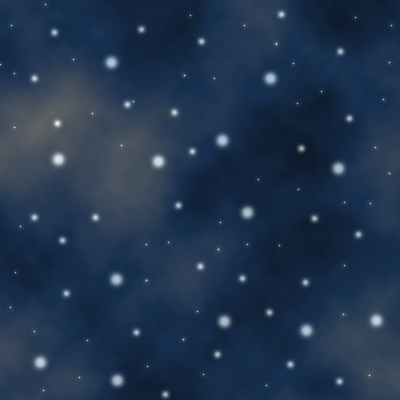
This is one of my favorite tutorials yet, mainly because its so easy and creates such a great looking effect!
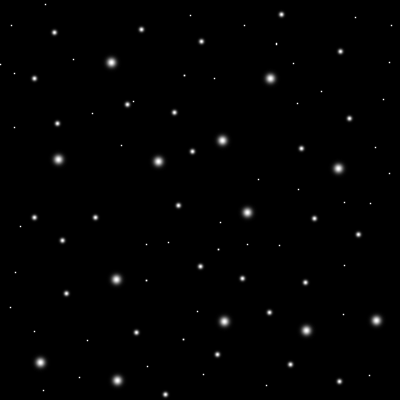
Step 1 Create a new image and fill the background in with black. Create a new layer . Select the brush tool , and make dots with different brush sizes like above.
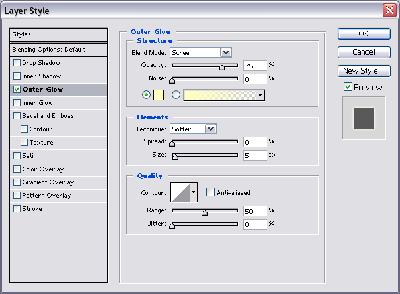
Step 2 Double click your dot layer, select outer glow and apply the above effects.
Click to enlarge
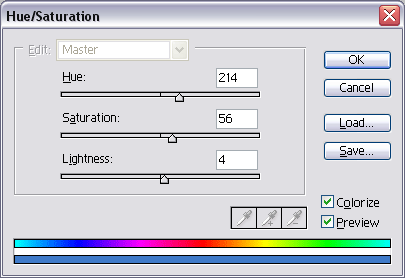
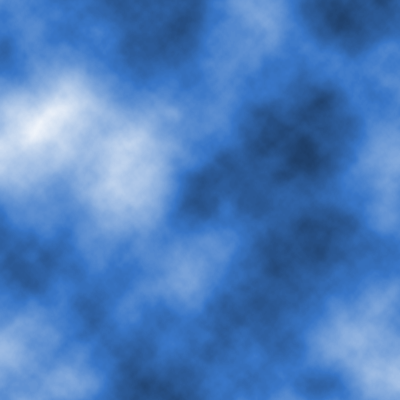
Step 3 Create a new layer , then press D to select default colors . Render clouds on the new layer. Press CTRL+U and use the above settings to colorize the layer. It should look similar to this.
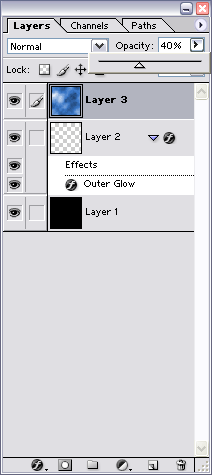
Step 4 On your cloud layer, lower the opacity to 40% like this.
Final Product