


This is a really quick and easy tutorial, and can produce a very unexpected effect.
Step 1
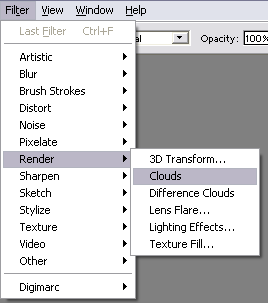
Press CTRL+D to reset the colors. Go into the above menu to render clouds.
Step 2
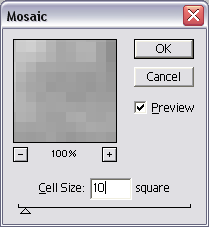
Go in to mosaic menu. Use the above settings.
Step 3
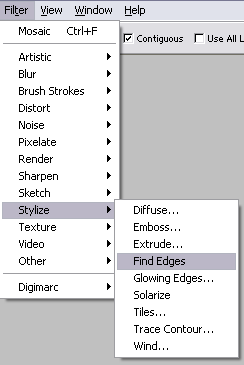
Use the find edges filter in the menu shown above.
Final Product
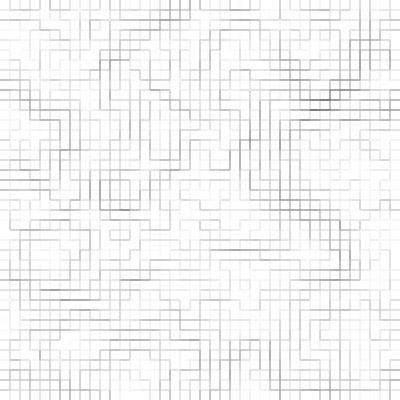
This creates a really cool maze/pipe/block abstract effect! It's quite simple too!
